Corral
A downloadable tool
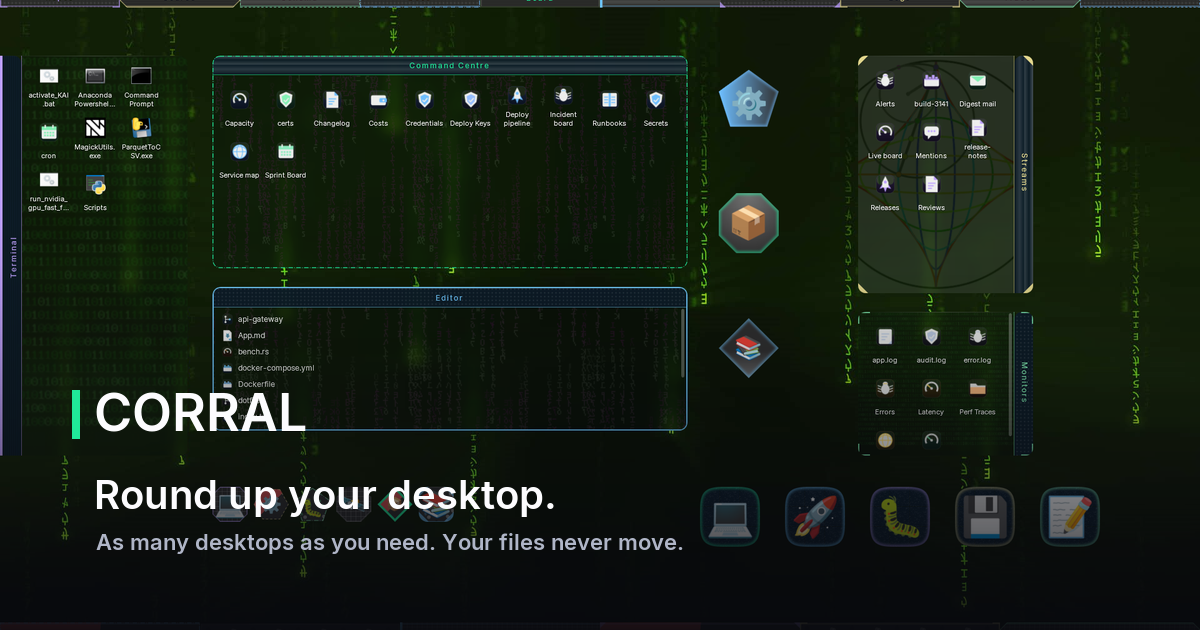
Your desktop is where everything lands and nothing gets organised.
Corral fixes that without a folder in sight.
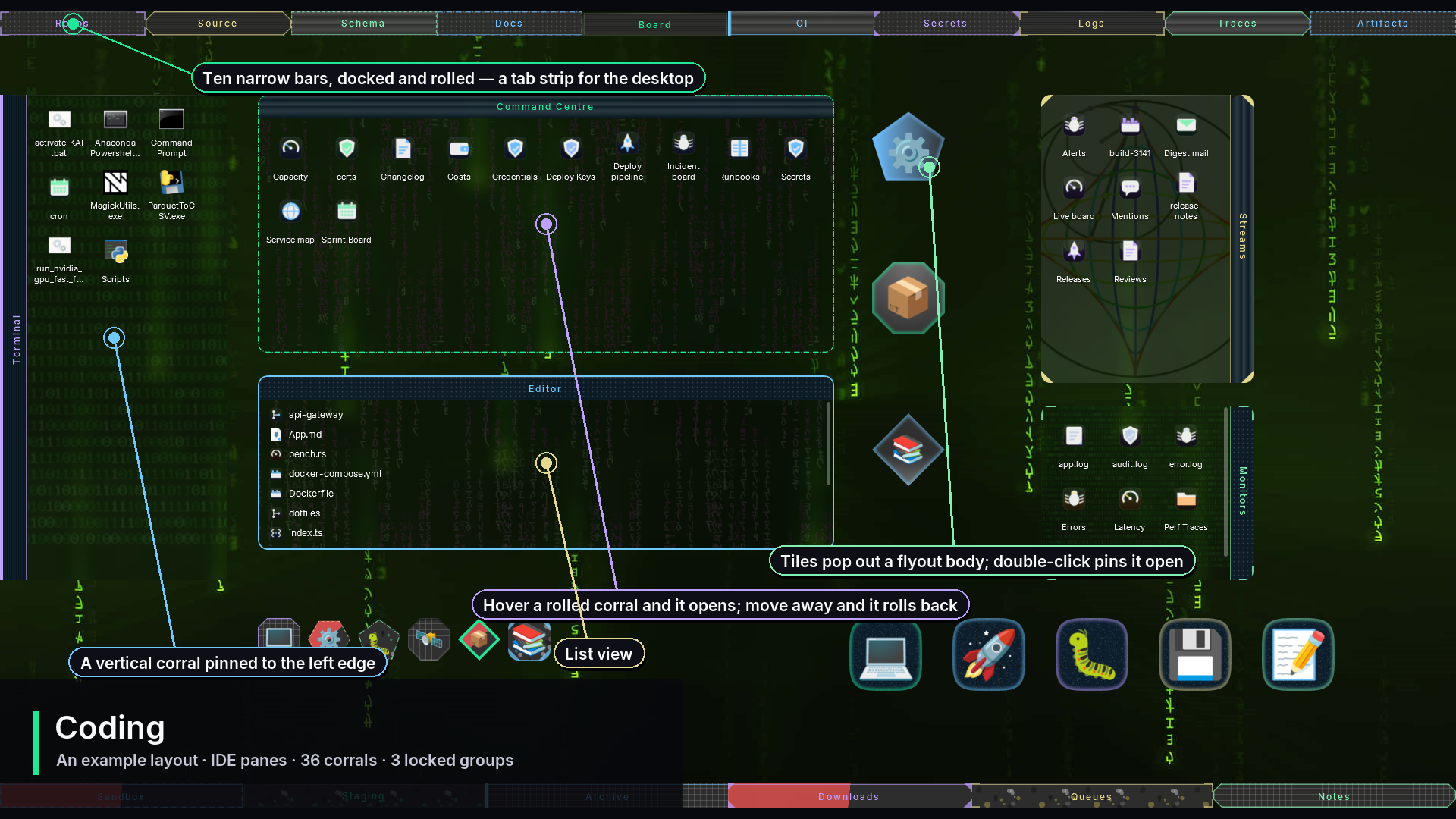
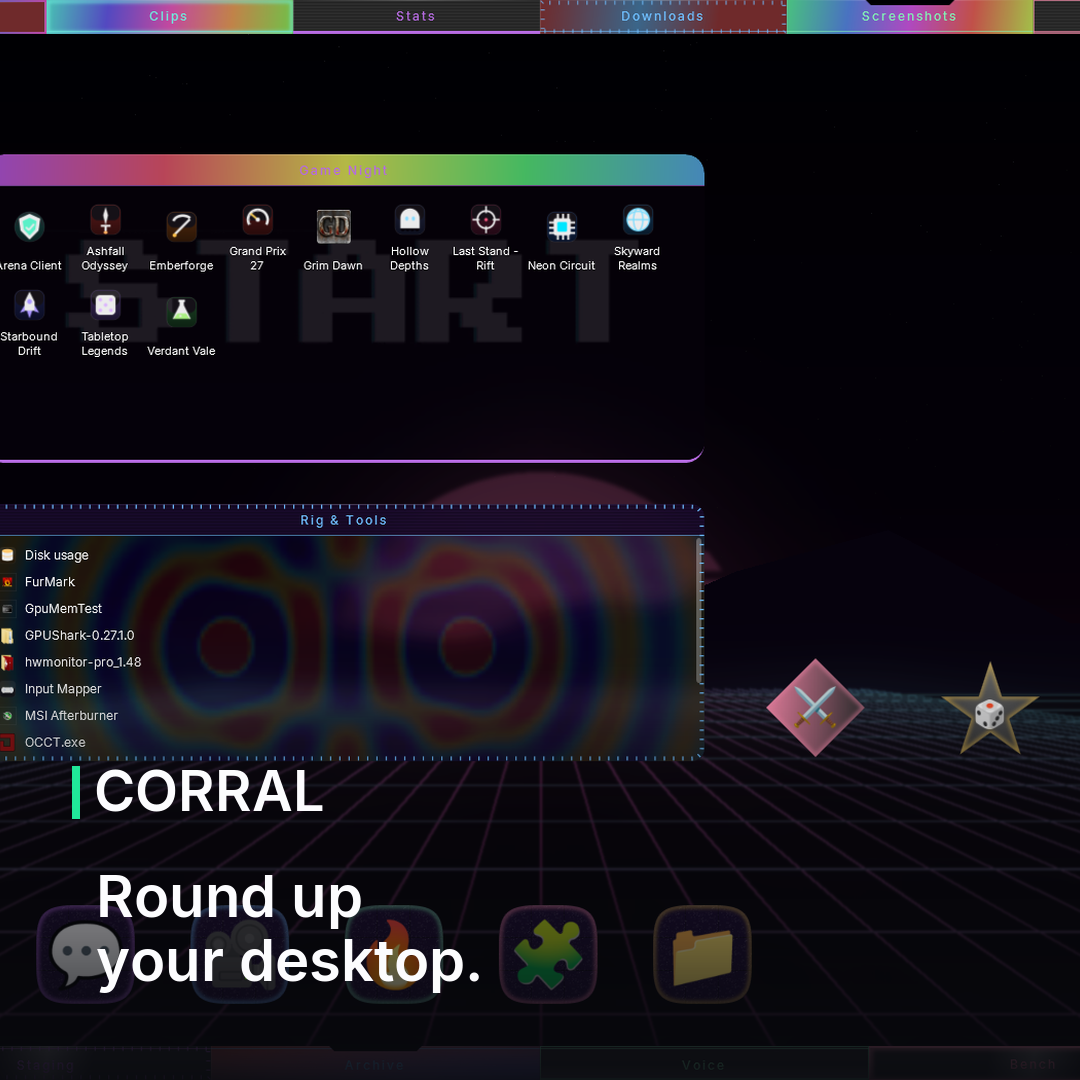
Group your desktop icons into corrals — containers you drop files into, drag around, and snap together. Roll one up to a slim header when you are busy and it opens again when you hover it. Dock a run of them along a screen edge. Turn one into an icon tile that pops its contents out when you click it. Double-click the desktop to hide the lot when someone is looking over your shoulder.
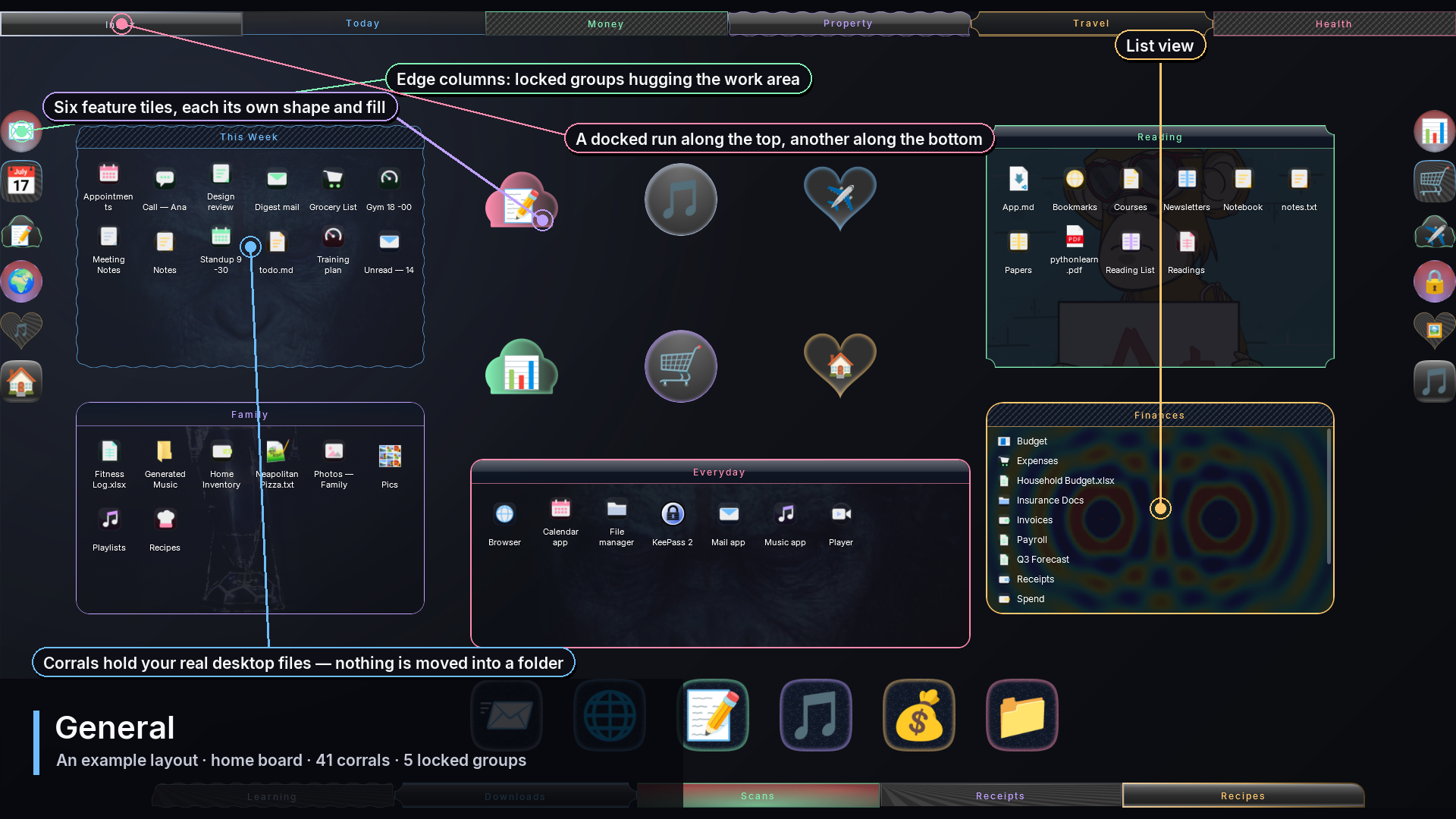
A corral shows the real files sitting on your real desktop, so every app, every save dialog and every backup still sees exactly what it saw before. Uninstall tomorrow and your desktop is precisely as you left it.
A desktop for every job
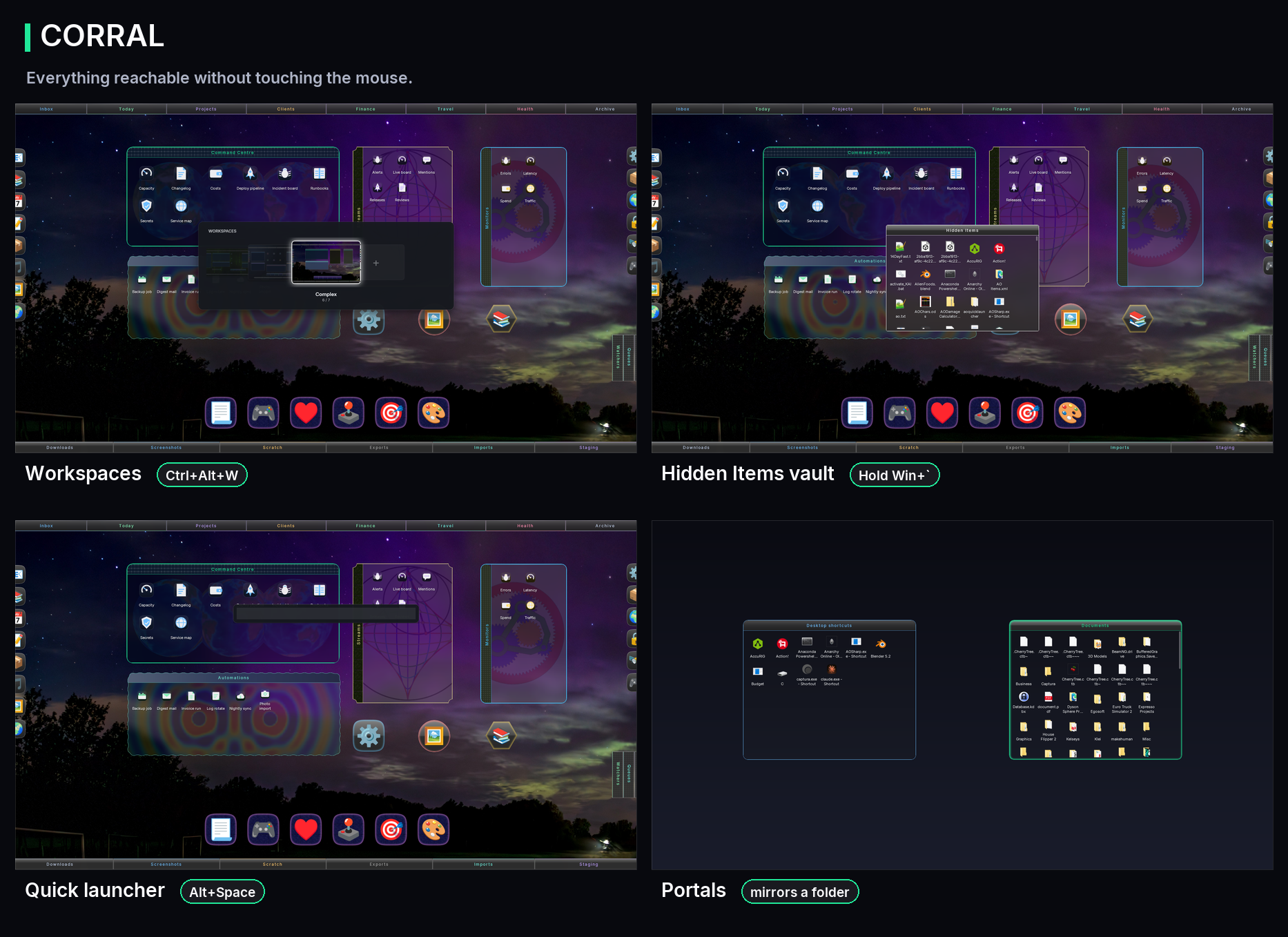
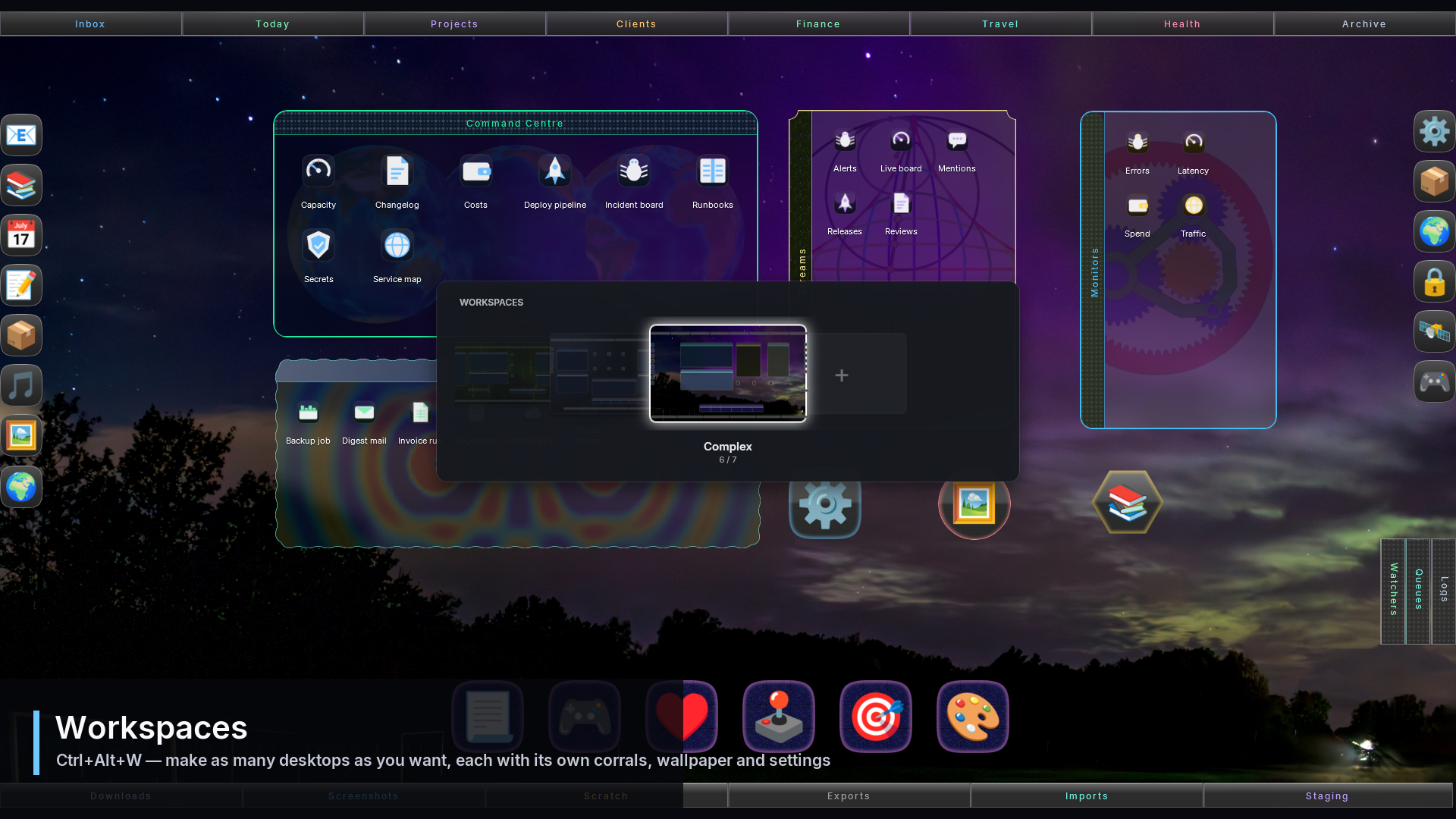
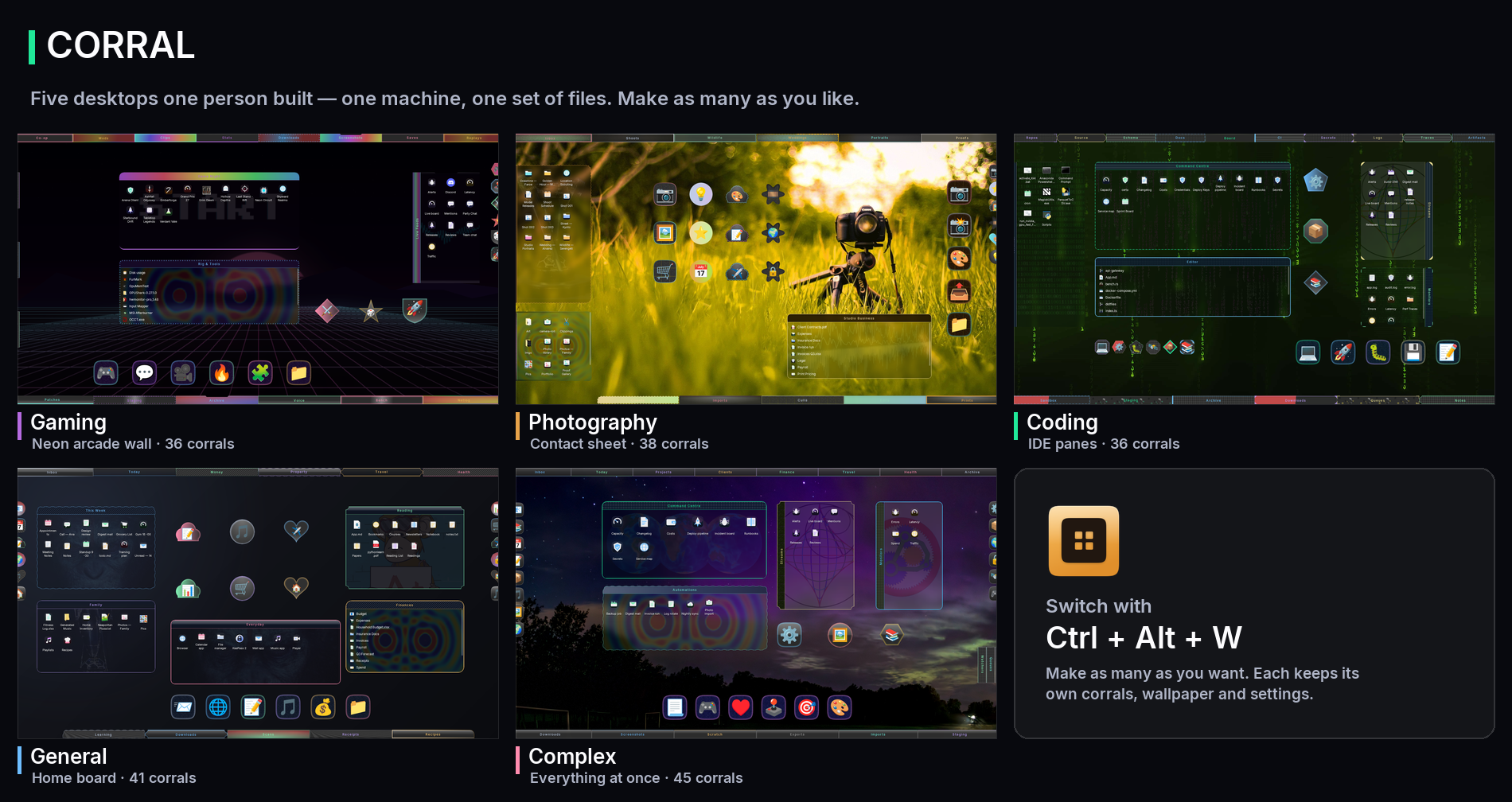
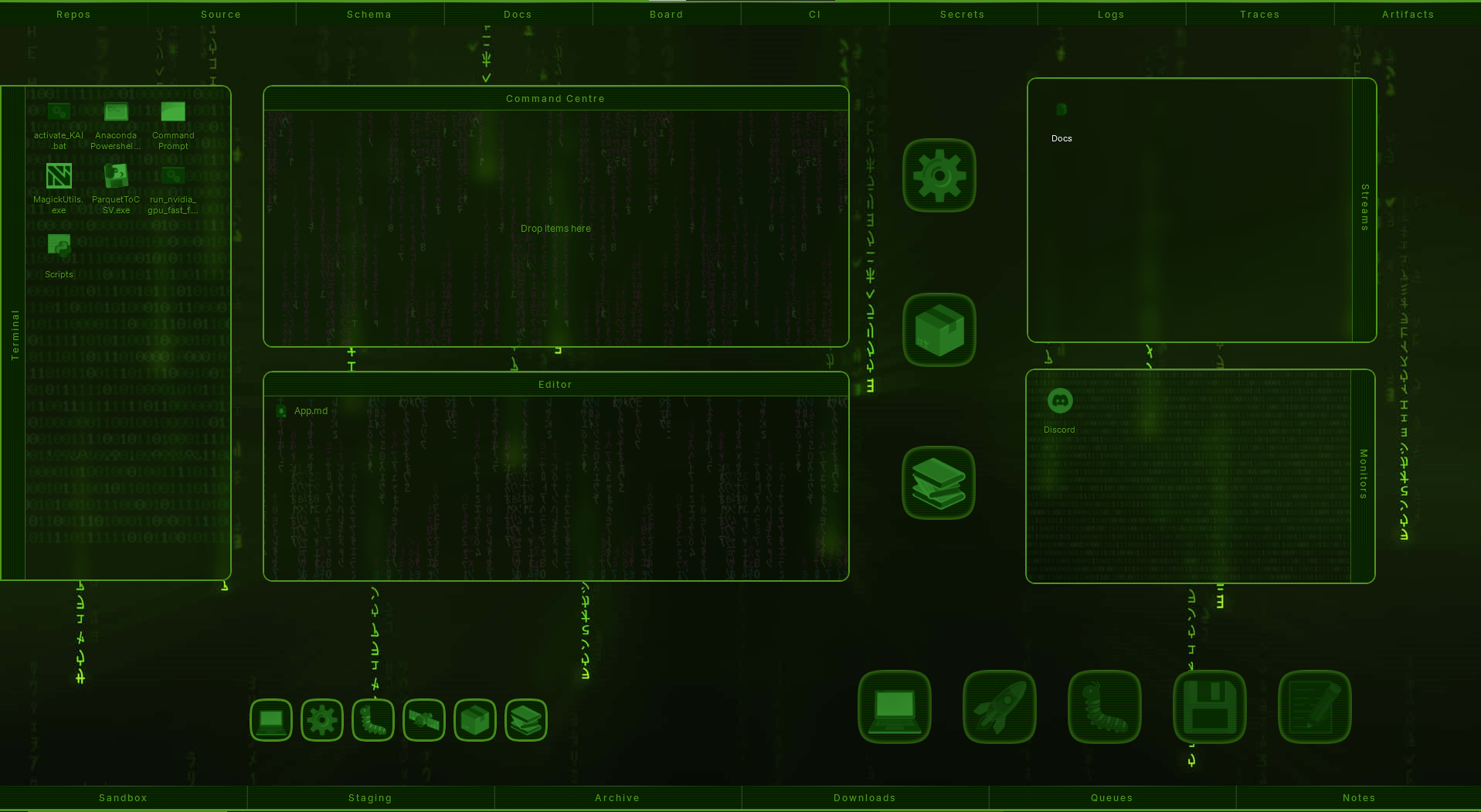
Make as many workspaces as you want — separate named desktops for gaming, photography, coding, or whatever you actually do. You build them; nothing is preset. Each keeps its own corrals, its own arrangement, its own wallpaper and its own settings. Your files are shared across all of them; only the arrangement changes. Flip between them from a carousel with a live preview of each.
Make it yours
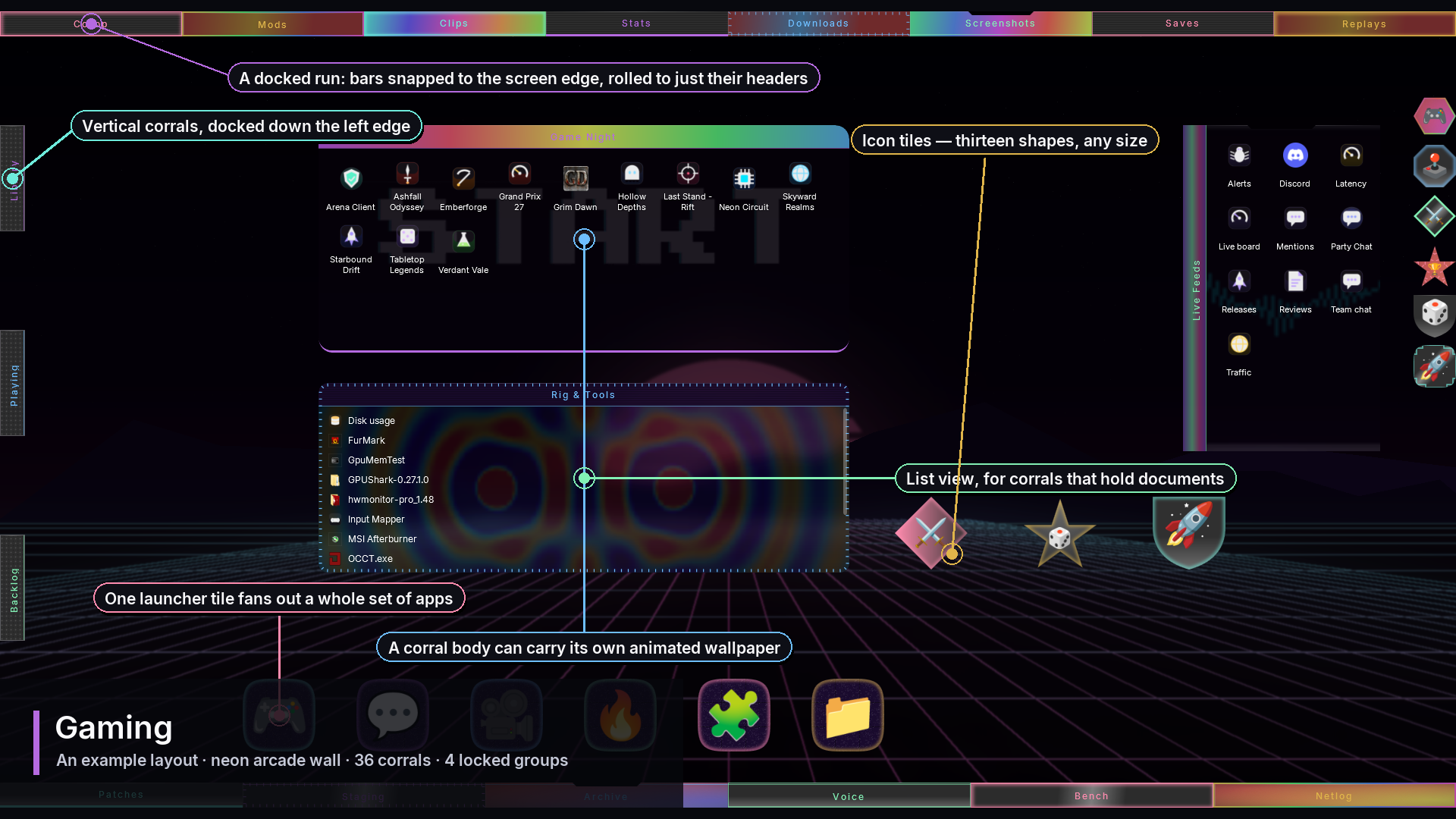
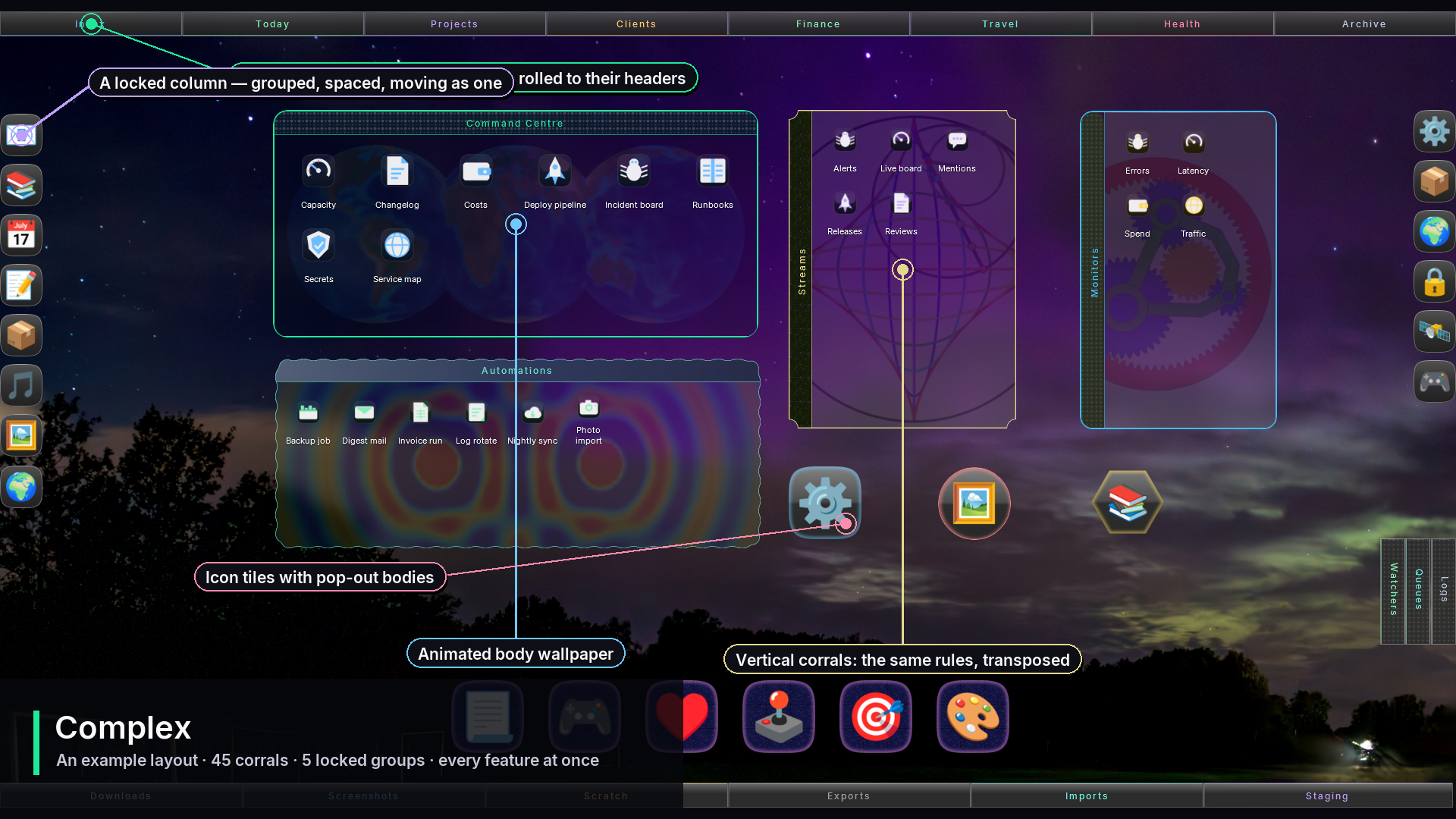
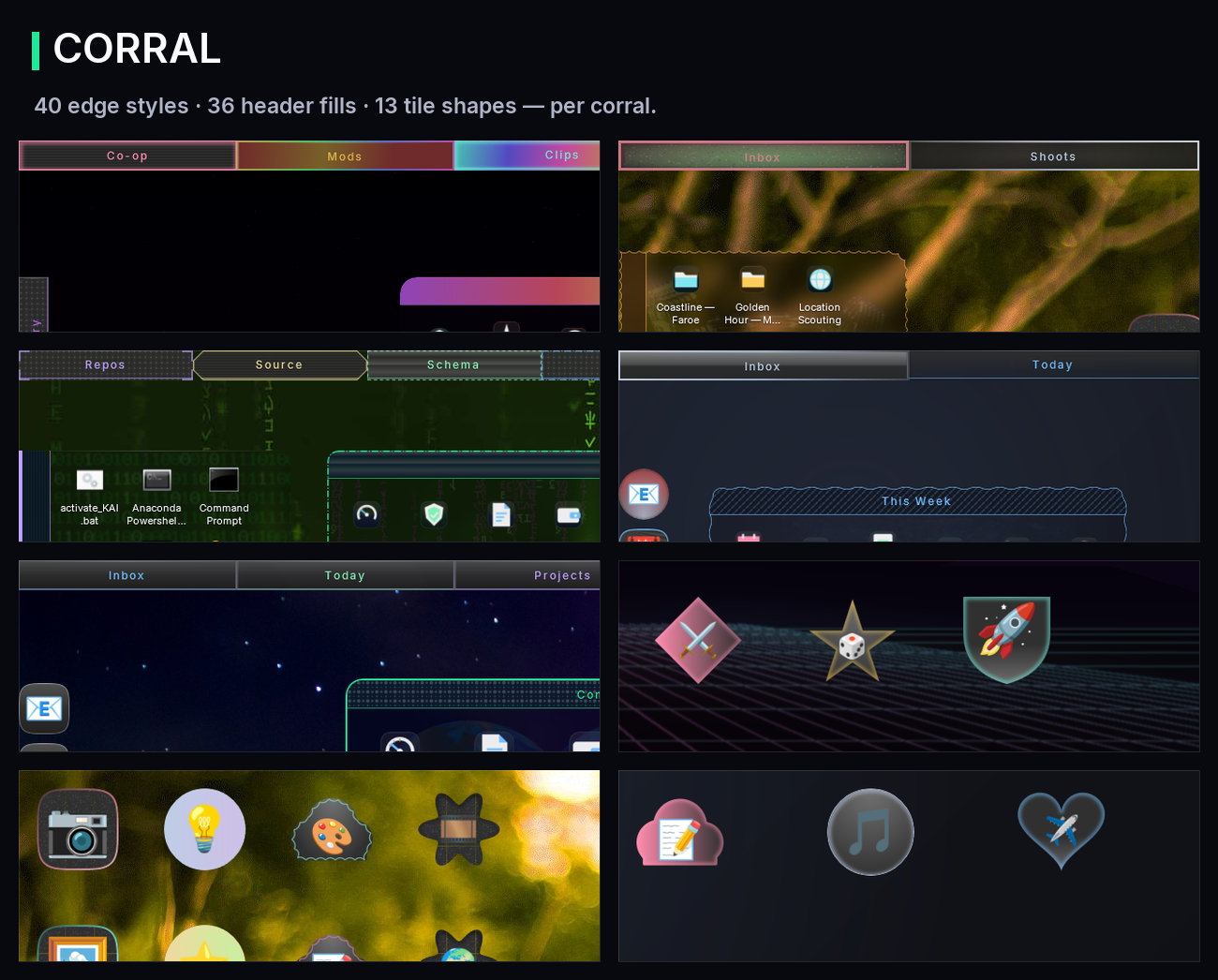
**40 edge styles. 36 header fills. 13 tile shapes.** Set them globally or override any single corral: accent colour, corner radius, transparency, icon scale, labels on or off, list view instead of a grid, even an animated wallpaper inside a corral's body. Roll a random look when you cannot decide.
**Calm the icons down.** Windows icons are a hundred logos competing for attention. Recolour them to one palette — a single tint, greyscale, a duotone ramp between two colours you pick, or plain.
**Ambient motion.** 18 looping effects, global or per corral, from a shimmer you barely notice to marching ants, a travelling comet, embers or a slow aurora. Several come in a restrained version that borrows your own accent and background instead of a full spectrum, for a desktop that should stay monochrome.
Built for a real desktop
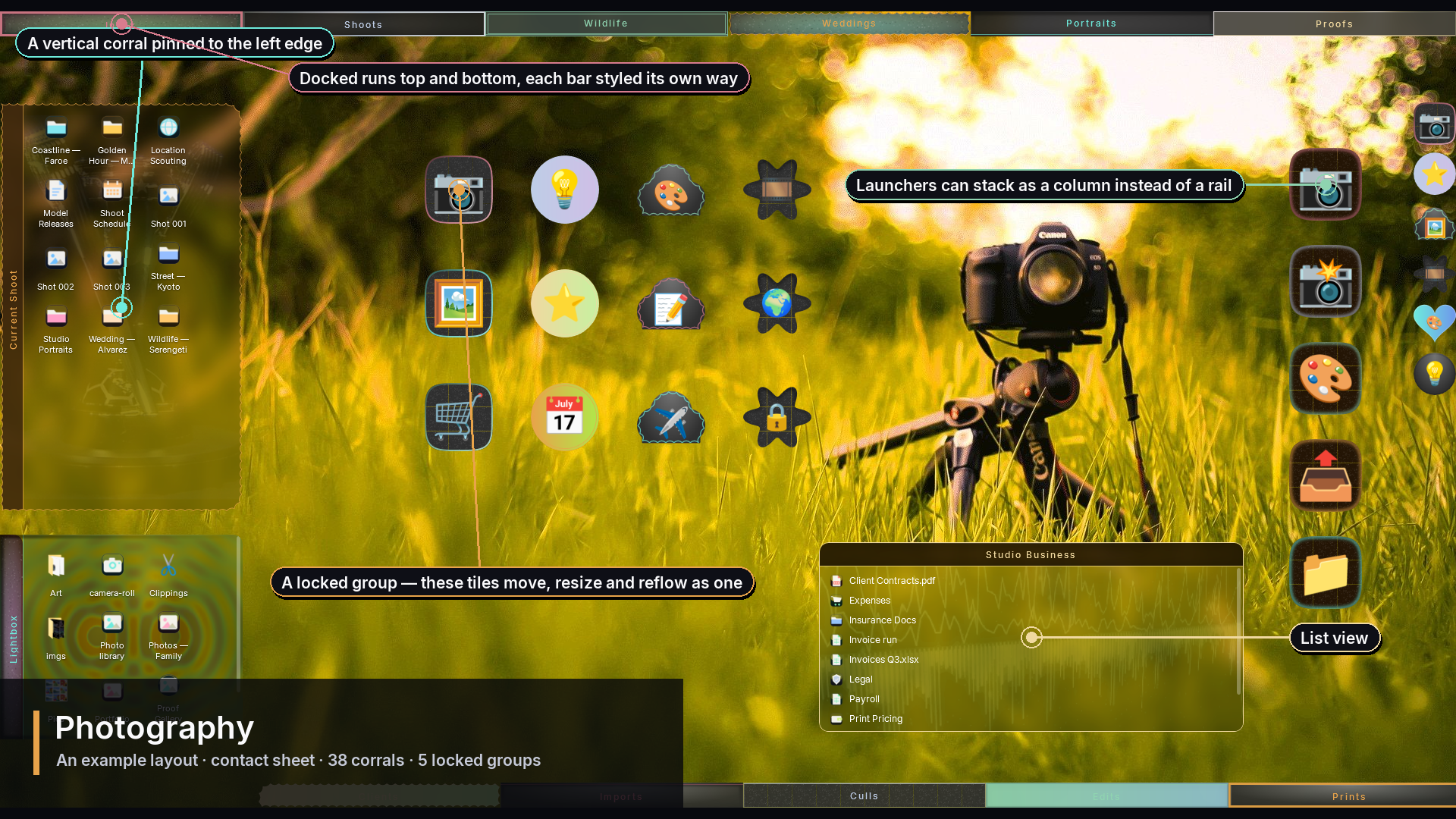
**Locked groups** — snap corrals into a run and lock it: they move, resize and reflow as one.
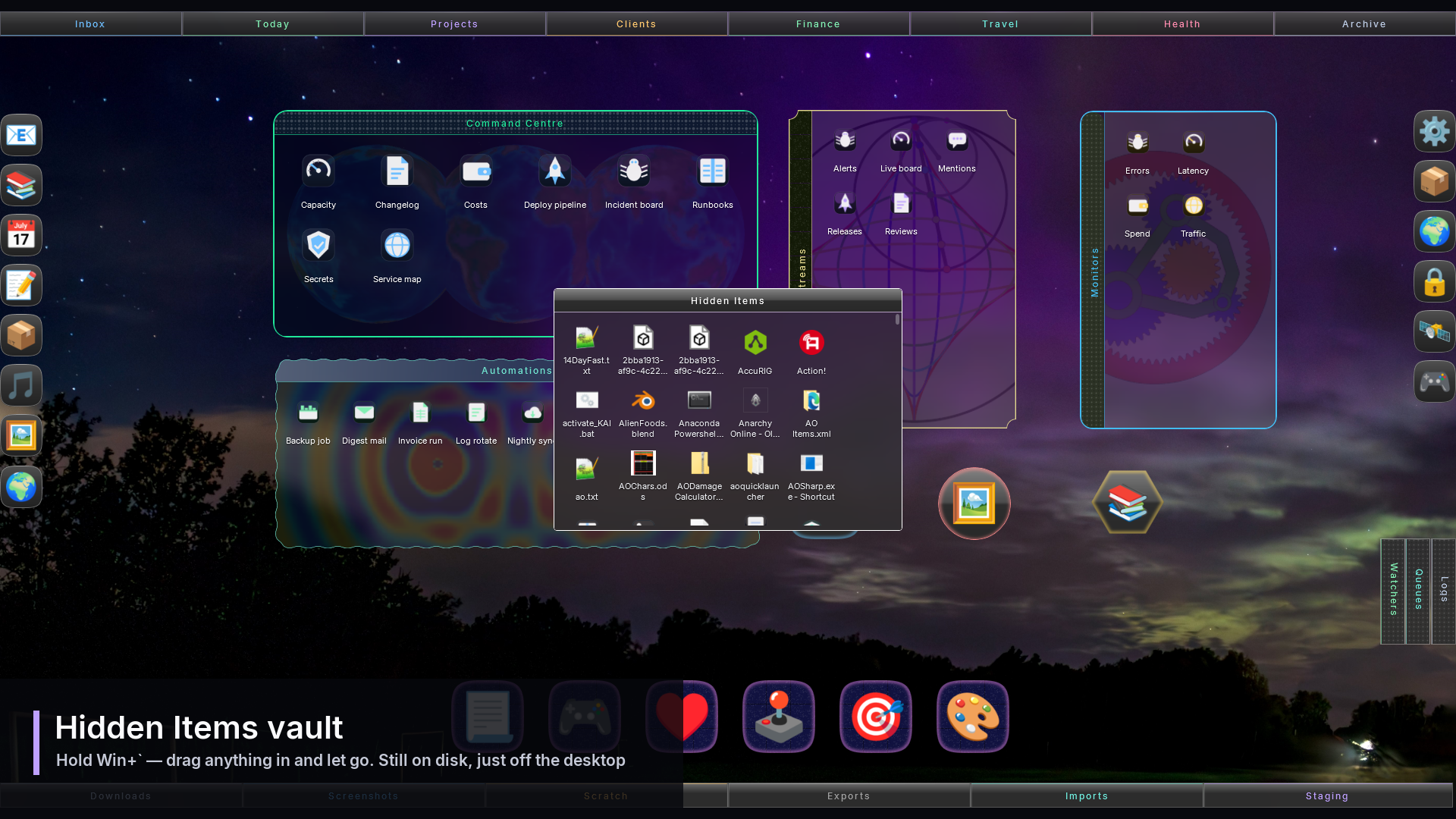
**Hidden Items vault** — hold a key, drag anything in, let go. Still on your disk, just off screen.
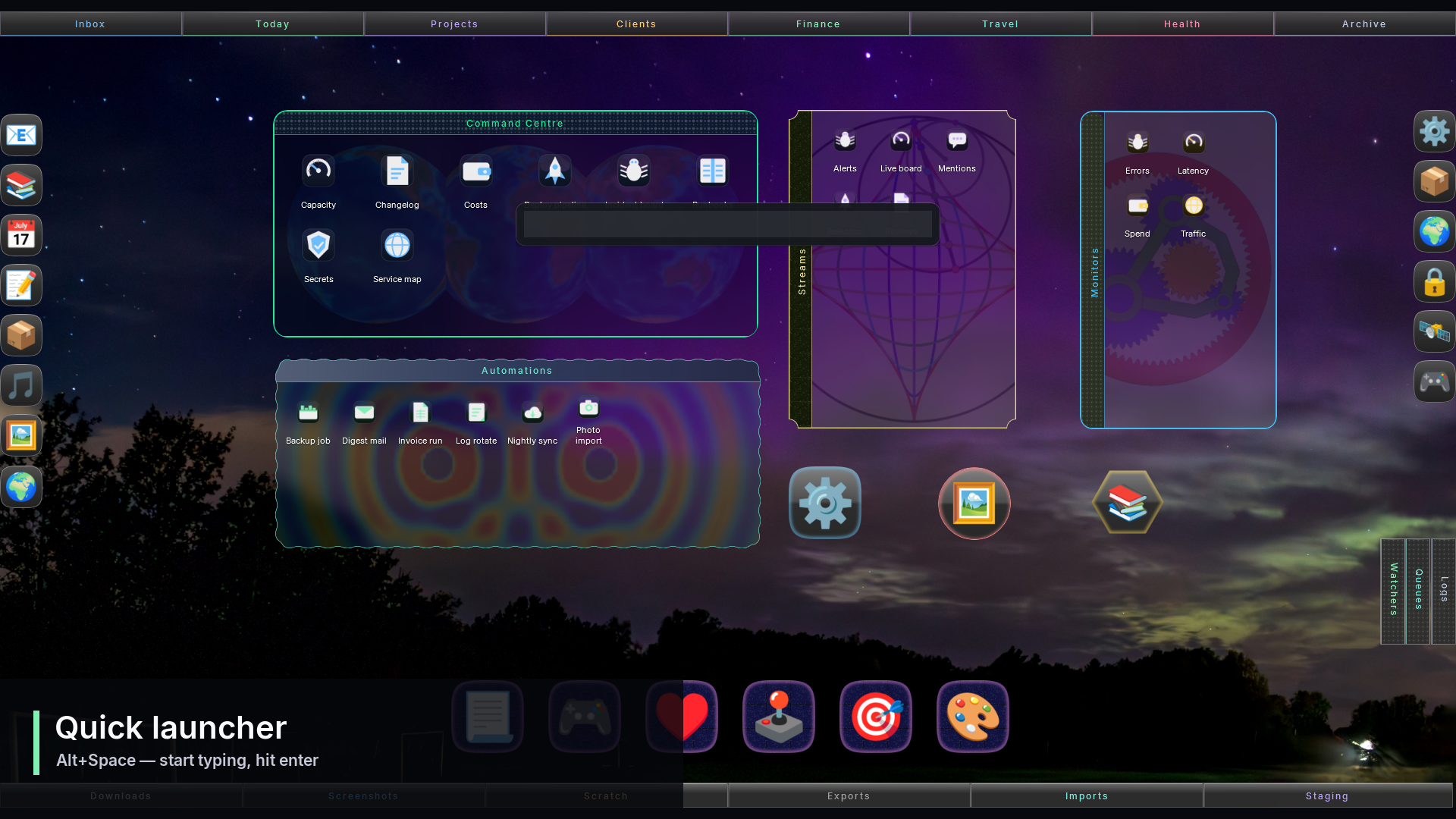
**Quick launcher** — Alt+Space, start typing, press Enter.
**Multi-launchers** — one tile that fans a whole set of apps out around it.
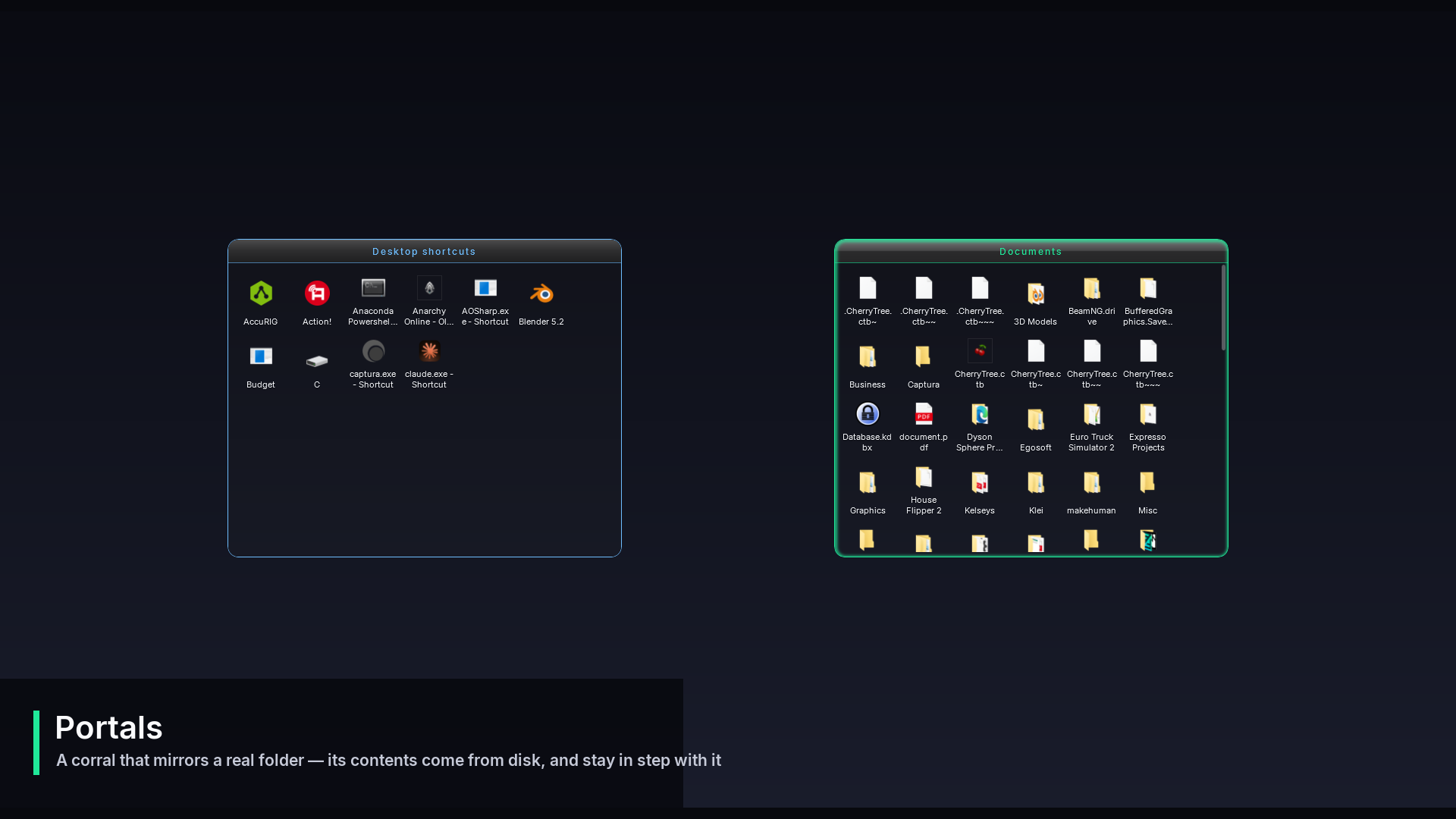
**Portals** — a corral that mirrors a real folder, live. Drop a file on it and the file moves there.
**Rules** — new files file themselves.
**Snapshots** — save an arrangement and roll back to it.
**Frosted glass** — a real blurred-wallpaper backdrop with an adjustable radius.
**Vertical corrals** — headers that run down a side, for docking to a left or right edge.
**Highly Customizable** — Almost everything is customizable and optional.
What it is, technically
A single self-contained executable. Native WPF on .NET, no runtime to install, no background services, no account, no telemetry. It hides the stock Windows icon layer while it runs and puts it back when it stops.
**Requirements:** Windows 10 or 11, 64-bit. No administrator rights needed to install.
**One payment.** Yours to keep, no subscription, no expiry, nothing to activate.
---
Honest notes
Two things worth saying before you buy, because finding them out afterwards is worse:
**Ambient motion and animated corral wallpapers are perpetual animations.** A desktop with many of them running costs measurably more CPU/GPU than a still one. Both are optional and off by default, and the frame rate is adjustable.
This is version 1.0.0. It has been used daily for months on a busy multi-monitor desktop, but you are early. If you find any bugs please report them to support@cleanique.ca and it will get looked at. Any feature requests and improvement suggestions can be sent to the same email address.
Website: https://www.cleanique.ca
Purchase
In order to download this tool you must purchase it at or above the minimum price of $9.99 USD. You will get access to the following files:
Development log
- Corral 1.0 is out1 day ago